


당신은 비용 처리를 위해 태어나지 않았습니다.저희가 대신 처리해드리겠습니다.
언제든 감사 준비를 갖추고, AI 데이터 추출 및 분석으로 운영을 가속화하며, 더 많은 시간을 확보하세요.




 Gymdesk


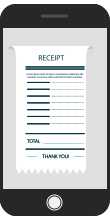
몇 초 안에 영수증을 정리하세요
우리 앱으로 영수증을 쉽게 업로드하세요.
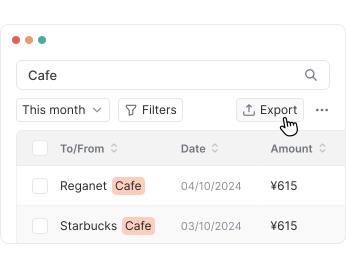
인기 있는 사용 사례


작동 방식
자주 묻는 질문
You have several easy options to capture your receipts with MailMate. You can quickly snap a photo directly within our app, upload an existing receipt file from your device, or email the receipt to your dedicated receipt email address provided in your account.
MailMate makes it easy to upload your receipts by supporting common image formats like JPEG and PNG, along with PDF files. Just choose your preferred format, and we’ll handle the rest to keep your documents organized and accessible.
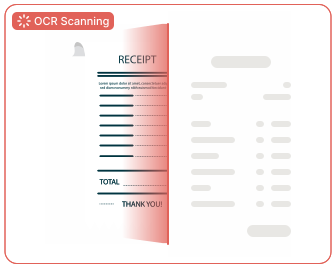
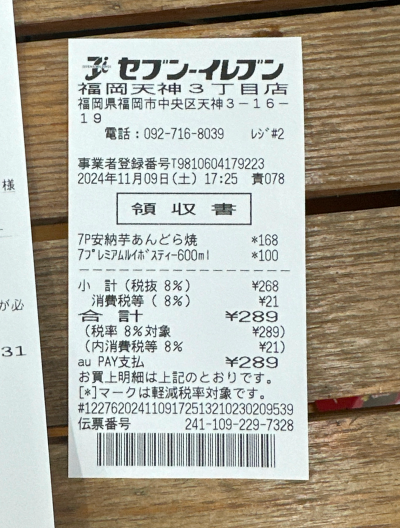
Absolutely! MailMate leverages data extraction technology to meticulously capture detailed, line-by-line information from your receipts. This capability offers a granular view of your expenditures, detailing each purchased item, its cost, and other pertinent information. By enhancing the transparency and efficiency of expense management, our OCR technology simplifies the way you track and manage your finances.
Yes. At MailMate, safeguarding your data is our highest priority. We store all information in a secure environment, accessible only to you and any authorized users you choose. You can trust that we’ve put strong measures in place to keep your data safe and private, giving you peace of mind as you manage your finances.
Currently, MailMate supports receipt data extraction in English and Japanese, with plans to expand to multiple languages in the future.
MailMate is accessible on iOS devices and through any web browser, allowing you to manage your account seamlessly from multiple platforms.
Yes! Our app allows an unlimited number of users for each account. For example, if you have a team and would like to track their expenses in one space, you can add each team member as a user, simplifying expense recording and sending receipts.
Our friendly support team is here to help! You can reach out anytime via email at support@mailmate.jp or give us a call at 050-1780-7334. We’re available on weekdays from 8:30 am to 11:30 am and 1:00 pm to 4:30 pm. Looking forward to assisting you!
당신은 비용 처리를 위해 태어나지 않았습니다.저희가 대신 처리해드리겠습니다.
언제든 감사 준비를 갖추고, AI 데이터 추출 및 분석으로 운영을 가속화하며, 더 많은 시간을 확보하세요.